A private document reader for Android

Give every page
a voice.

Aura turns your documents into natural speech right on your device, so you can listen, follow along, and keep your reading private.

Model and voice download required for offline listening.

On-device speechYour words stay with you

Listen offlineAfter a one-time setup

Made for AndroidSimple, familiar controls

A reader enjoying a book beside a stack of books

Your reading, your rhythm

Keep the book.
Change the moment.

Read on the sofa, listen while cooking, or continue from your car. Aura keeps your document and reading position together, so switching between reading and listening feels natural.

Follow the textThe active sentence stays visible while Aura speaks.

Pick up where you left offResume with a stable document and sentence position.

Three simple steps

Open. Choose.
Listen.

Aura turns a file or pasted text into a calm listening experience without sending the document to a speech server.

Two people importing printed and photographed text
01

Bring your document

Choose a supported file, paste text, or capture printed text in the Android app.

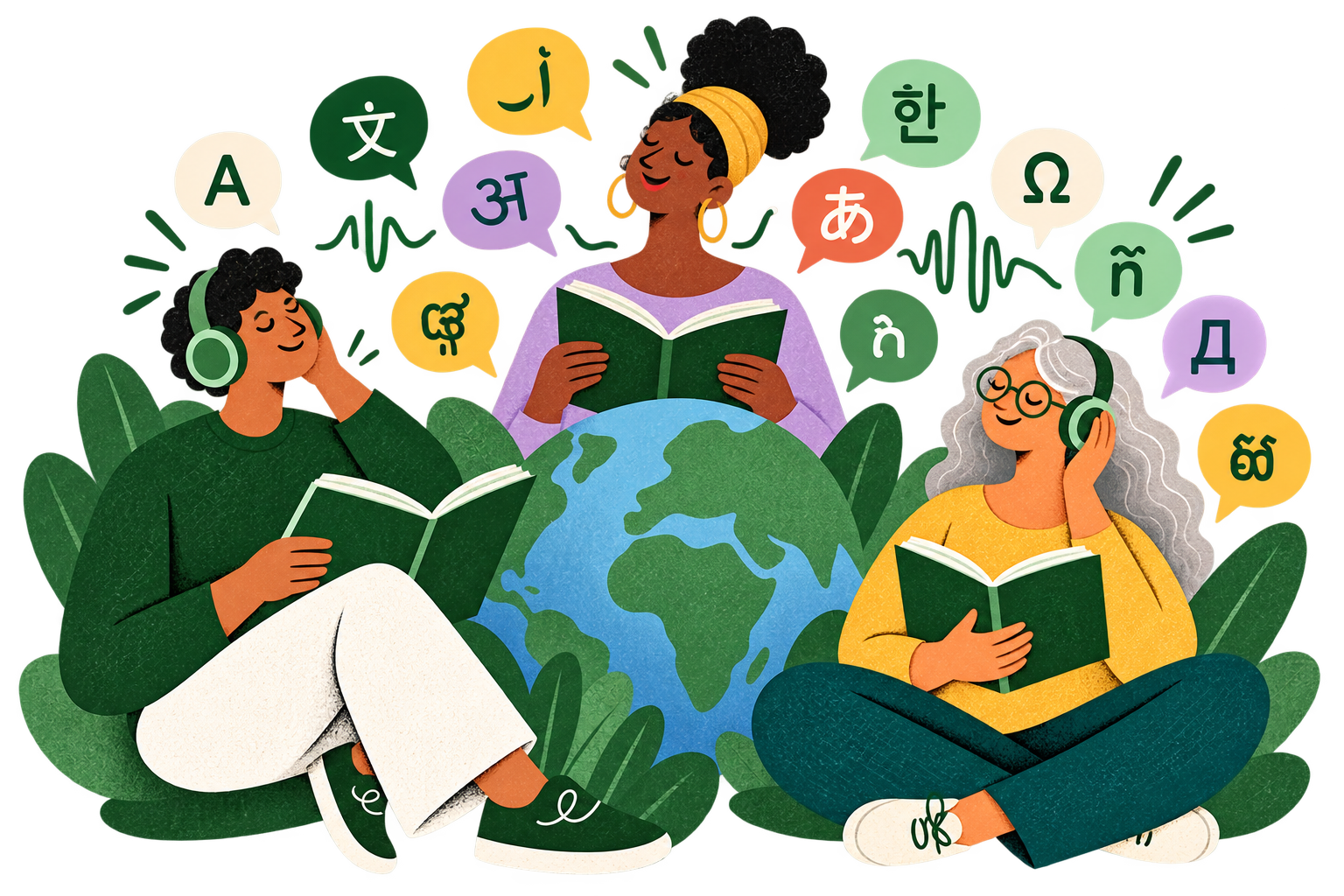
Readers surrounded by language symbols
02

Choose how it sounds

Select an available voice and narration language for the document you are reading.

A reader listening with headphones while following a book
03

Listen and follow

Play, pause, change speed, and move sentence by sentence while Aura keeps your place.

Reading, unbound

From document
to listening.

01

Bring your own reading

Import text, TXT, EPUB, DOCX, or a supported text-based PDF. Aura creates a private reading copy on your device.

02

Listen and follow

Move sentence by sentence, adjust playback speed, and keep your place as the narration continues.

Aura open-book voice mark and the words Natural voice reading, right on your device

A voice for the page

Natural voices.
Ready when you are.

Preview available voices, save the ones you enjoy, and keep downloaded voice styles ready for offline narration.

  • Voice previews before you choose
  • Adjustable narration speed
  • Offline reuse after download
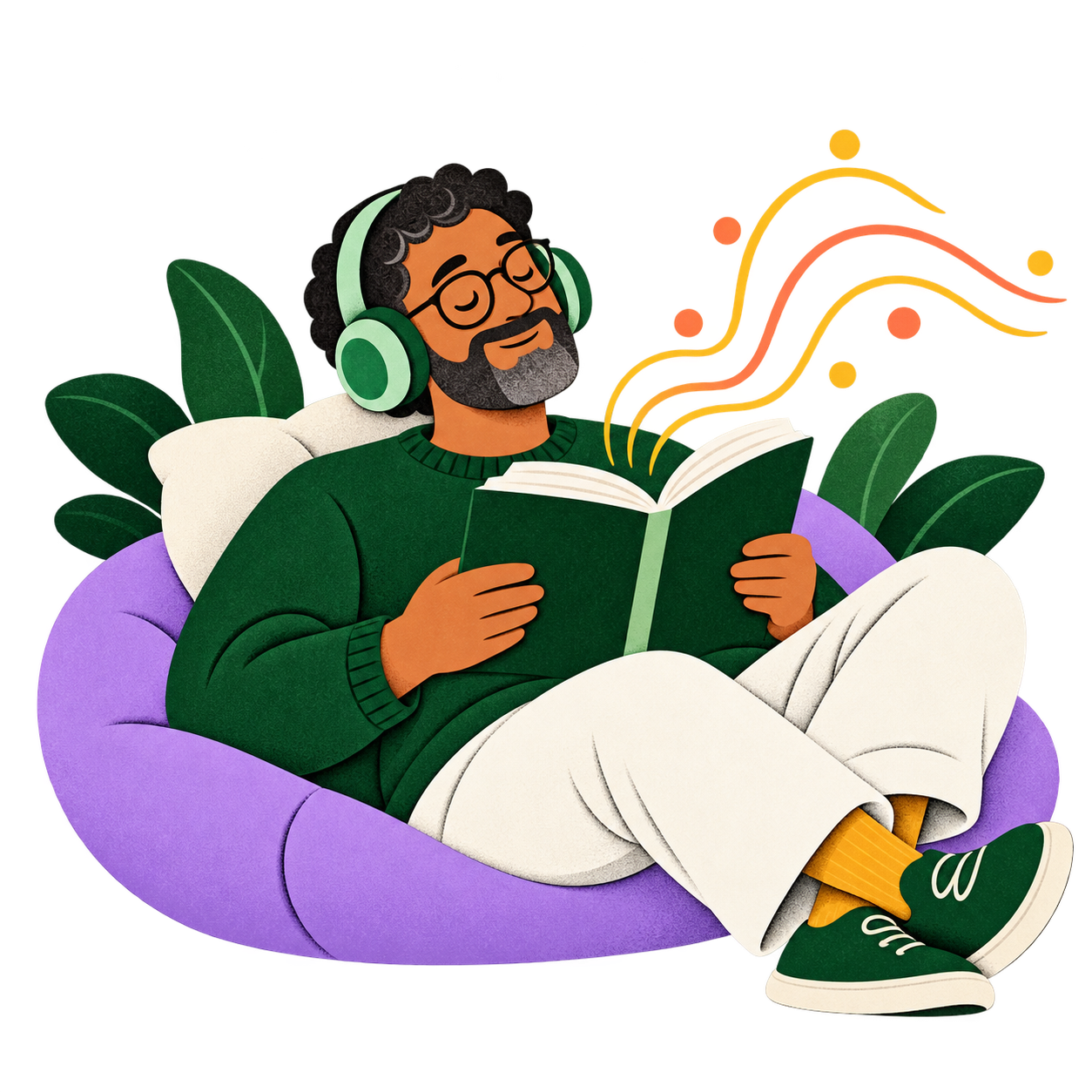
A relaxed reader listening to a book with headphones
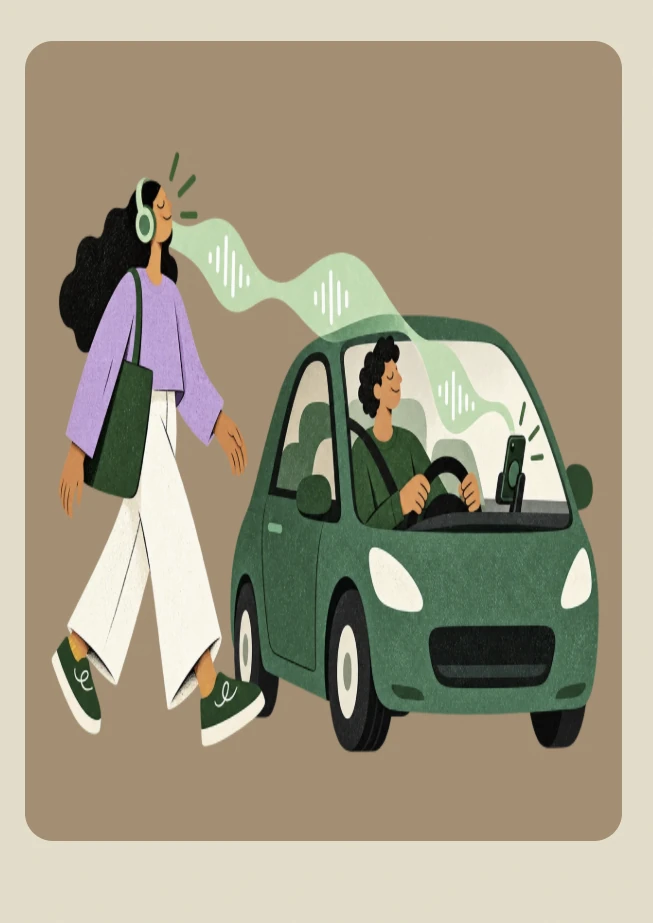
A person listening to Aura beside a car

Beyond the reading chair

Your document can come along.

Keep narration going with Android background playback. Use notification controls, supported headset actions, or the focused Android Auto library experience when available.

Background playbackNotification controlsAndroid AutoWear OS remote

Private by design

Your documents are not a data source.

Aura keeps imported documents, filenames, saved positions, and generated audio in private app storage. Speech is generated on your Android device—not by sending your reading to a cloud text-to-speech service.

Internet access is used for model, voice, and optional language-pack downloads, plus purchases where applicable.

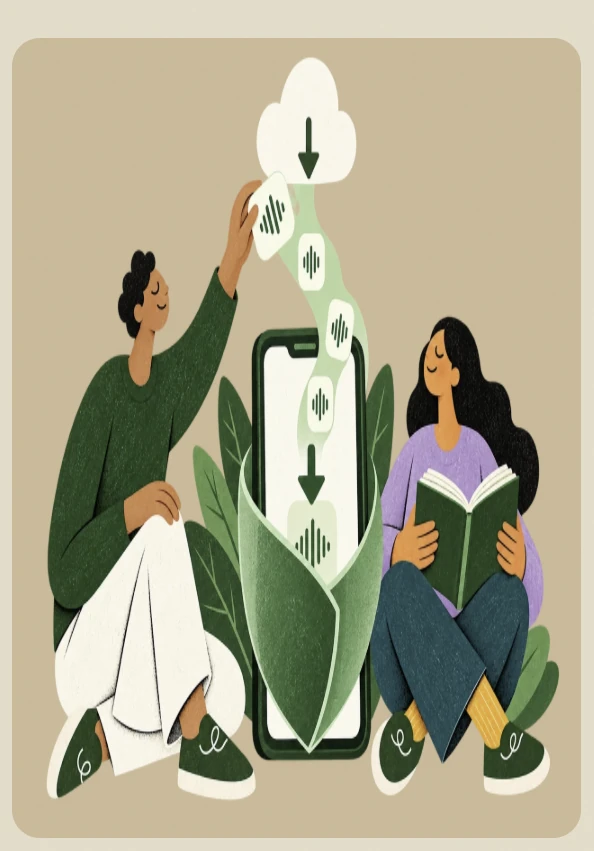
Download once, then disconnect

Prepared for offline reading.

Speech models and voice styles are downloaded to Aura’s private storage. Once the items you need are ready, document narration can continue without a connection.

Optional translation features use separately downloaded language packs. Availability depends on what has been downloaded to the device.

Two readers preparing offline voice files on a phone

Bring what you read

One library.
Many sources.

Aura creates a reading copy from supported content and keeps it in private app storage.

TXTPlain text files
EPUBBooks and chapters
DOCXText documents
PDFSupported text-based files
PASTEText from your clipboard
PHOTOPrinted text captured in Aura

More ways to listen

Aura Pro

Unlock all available voices, unlimited listening and full audio exports, offline translation, EPUB support, and an ad-free experience.

See launch availability
A happy Aura Pro member holding a gold star

Good to know

Questions,
answered.

Does Aura upload my documents?

No. Imported documents, filenames, saved positions, and generated audio stay in Aura’s private app storage.

Does offline mean no setup?

A speech model and voice must be downloaded first. After setup, downloaded items can be used for offline narration.

Which devices does Aura support?

Aura is being built for Android phones, with focused companion experiences for Wear OS and Android Auto. iOS is not planned.

Can I save the narration?

Aura includes M4A audio export. Some content limits and full-document exports may require Aura Pro.

Make time for more books

Read with your ears.

Aura for Android is preparing for release on Google Play.

Coming soon on Google Play
Aura

Natural voice reading, right on your device.

© 2026 Aura · Android only